 Squidly
Why Did I Build Squidly, a GitHub Actions Dashboard?
By François Loupias 5 min read
- founder-story
- github-actions
- dashboard
- ci-cd
- jenkins
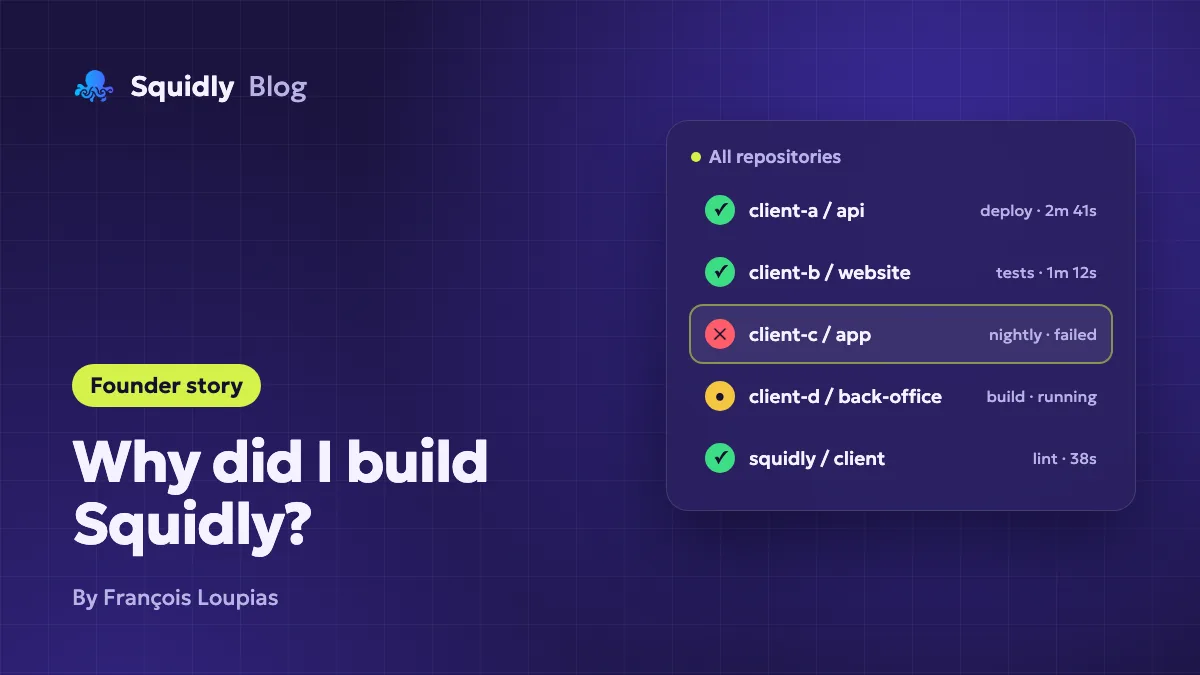
I'm François, an engineering manager at Kinoba, a web agency in Lyon, France. My job is to build and maintain web platforms for several clients, which in practice means living inside a lot of GitHub repositories at the same time. Squidly started from a very small, very repetitive frustration: I could never answer the question "is everything green?" without opening ten tabs.
This article is the honest version of why Squidly exists, what I wanted it to be, and what I deliberately left out.
Coming from Jenkins: one screen for every job
For most of my professional life, CI meant Jenkins. Whatever you think of Jenkins, it gets one thing right: its home page lists every job of every project on a single screen. One glance and you know what passed, what failed and what is still running.
When our projects moved to GitHub Actions, we gained a lot: workflows versioned next to the code, no server to maintain, a huge marketplace of actions. But we lost that single screen. I wanted the same thing for GitHub: a central view of all my workflows, so I could stop juggling between repositories.
The problem: one Actions tab per repository
GitHub Actions is a great CI/CD tool. I would not want to go back to anything else. But its interface is built around one repository at a time.
In a web agency, this is amplified: each client has its own projects, often in its own GitHub organization, and you switch from one to another all day long. Every repository comes with its own workflows: tests, linting, builds, deployments, scheduled jobs, dependency updates. Each one has its own Actions tab. To know the state of things, you open them one by one.
A typical morning looked like this:
- Open the first repository, check that last night's deployment went through.
- Open the second one, see that a scheduled job has been red for two days.
- Open the third one, wait for a long workflow to finish, forget about it, come back an hour later.
None of these steps is hard. Together, they add up to a daily chore that costs attention far more than time.
What I tried before building anything
Like most developers, I first tried to make do with what already existed:
- GitHub email notifications. Either too many of them, or filtered so aggressively that the important failure ended up hidden. I compared the options in GitHub Actions workflow notifications.
- Bookmarks of every Actions tab. It works, until the list of repositories changes every few months.
- Chat integrations per repository. Useful for one team, but a setup to repeat for each project, and channels quickly become noise.
Each workaround solved part of the problem. None of them gave me what I actually wanted: one page listing every workflow run, from every repository I care about.
If you are in the same situation today, I wrote a longer comparison of these approaches in how to monitor GitHub Actions across multiple repositories.
The real cost: attention, not minutes
What bothered me most was not the few minutes lost every day. It was three things:
- Failures noticed late. A scheduled workflow can fail silently for days when nobody opens its repository. When it finally happens, you need a method to debug a failing GitHub Actions workflow quickly.
- Context switching. Jumping from repository to repository to check a status breaks focus, especially in the middle of real work.
- No overview of usage. GitHub Actions minutes and runner costs are visible in the billing pages, but it is hard to see which repository consumes what, and on which operating system.
That last point mattered more than I expected. Once you can see usage per repository and per month, you start asking useful questions: why does this workflow run on macOS? Why does this one take twice as long as last month? The GitHub Actions cache best practices article came directly from that kind of question.
What I wanted the tool to be
Before writing a line of code, I wrote down a short list of requirements. It still guides every product decision:
- One dashboard for all my workflow runs, across repositories and organizations, with a filter to focus on a few of them.
- Spot what is red immediately, without opening anything.
- Act from the same place: re-run a failed workflow, cancel a stuck one, read the logs.
- Understand usage: Actions minutes and costs by repository, month and operating system.
- Be notified when it matters, not for every single event.
- Nothing to install or host. Sign in with GitHub, pick repositories, done.
And one thing I explicitly did not want: to replace GitHub Actions. Your workflows keep running on GitHub, exactly as before. Squidly only helps you follow them.
How Squidly works
The principle is deliberately simple. You sign in with your GitHub account and add the repositories you want to follow. For each one, Squidly creates a webhook that listens to workflow events only, and stores those events to build the views.
From there, the GitHub Actions monitoring dashboard gives you:
- A real-time list of your workflow runs, with their status, duration and outcome.
- A repository filter with search.
- Usage charts to see where your Actions minutes go.
- In-app notifications about workflow status updates.
- Re-run, cancel, run details and logs on the Premium plan.
Public repositories are free, forever. Private repositories, run controls, logs, usage and notifications are part of Premium at $10/month, and every new account starts with a 14-day Premium trial, no credit card required.
Built for developers, by a developer
Squidly is the tool I wanted for myself, and I still use it to follow my own projects. That shapes a few choices I care about:
- Honesty about when you don't need it. If you work on one or two repositories, the native Actions tab is probably enough. I wrote a guide to decide whether you need a GitHub Actions dashboard, and there is a shorter feature table to help you decide.
- Minimal access. Squidly only listens to workflow events on the repositories you add. You can start with a single repository and expand later.
- No enterprise complexity. No agent to deploy, no configuration file to maintain, no sales call to get started.
What comes next
Squidly keeps evolving, and every change is listed in the changelog. The next big step is a Teams plan, so that several people can share the same view of their workflows. If that is what you need, get in touch from the pricing page.
I also read every piece of feedback. If something is missing, confusing, or simply annoying, tell me on X or open an issue on GitHub. Many of the features in Squidly today started exactly that way. You can also find my other projects on my website.
Conclusion
I built Squidly because I missed the single Jenkins screen, and checking GitHub Actions across many client repositories had become a chore that none of the usual workarounds removed. The goal has not changed since day one: one place to see every workflow, spot failures early and understand what your CI costs.
If that sounds like your mornings too, give Squidly a try on a few repositories and see if it saves you the ten tabs.